Oktoberfest
Media Kit


This page serves as the central hub for the Houston MedTech Oktoberfest marketing assets, making it easy for sponsors, attendees, and panelists to share their participation with their networks.
Here, you’ll find a curated collection of branded graphics formatted for seamless download and immediate use across LinkedIn and other platforms. Whether you’re announcing your involvement, highlighting your role, or inviting others to join you in Houston, these assets ensure a consistent, high-quality presence that reflects the caliber of the community coming together at Oktoberfest.
Here, you’ll find a curated collection of branded graphics formatted for seamless download and immediate use across LinkedIn and other platforms. Whether you’re announcing your involvement, highlighting your role, or inviting others to join you in Houston, these assets ensure a consistent, high-quality presence that reflects the caliber of the community coming together at Oktoberfest.
Share with your audience that you’ll be attending!
Instructions for Adding Logos to Graphics
Option 1: Canva, easiest for most people
Option 2: Microsoft PowerPoint, no design skills required
- Go to canva.com and click Create a design, then choose Custom size and enter the image dimensions 1200px wide x 672px high.
- Upload the Houston MedTech Oktoberfest graphic and add it to the page.
- Click Uploads again and upload your logo file.
- Drag your logo onto the white area on the right side.
- Resize and center it as needed.
- Click Share, then Download as PNG or JPG.
- Open PowerPoint and insert a blank slide.
- Click Insert, then Pictures, and add the Houston MedTech Oktoberfest Graphic
- Click Insert, then Pictures again, and add your logo.
- Drag the logo onto the white space and resize using the corner handles.
- Right click the slide and choose Save as Picture.
Option 3: Windows built in Photos app, most basic
Questions?
- Right click the image and open with Photos.
- Click Edit Image, then use the Markup or Insert option to add your logo if available.
- Position it in the white area and save a copy.
We encourage you to share Houston MedTech Oktoberfest with your network and help spread the word about this year’s event.
For questions or requests, please contact us at giovanni@lifeblood.com.
For questions or requests, please contact us at giovanni@lifeblood.com.
Instructions for Adding Logos to Graphics
Option 1: Canva, easiest for most people
- Go to canva.com and click Create a design, then choose Custom size and enter the image dimensions 1200px wide x 672px high.
- Upload the Houston MedTech Oktoberfest graphic and add it to the page.
- Click Uploads again and upload your logo file.
- Drag your logo onto the white area on the right side.
- Resize and center it as needed.
- Click Share, then Download as PNG or JPG.
Option 2: Microsoft PowerPoint, no design skills required
- Open PowerPoint and insert a blank slide.
- Click Insert, then Pictures, and add the Houston MedTech Oktoberfestgraphic.
- Click Insert, then Pictures again, and add your logo.
- Drag the logo onto the white space and resize using the corner handles.
- Right click the slide and choose Save as Picture.
Option 3: Windows built in Photos app, most basic
- Right click the image and open with Photos.
- Click Edit Image, then use the Markup or Insert option to add your logo if available.
- Position it in the white area and save a copy.
Questions?
We encourage you to share Houston MedTech Oktoberfest with your network and help spread the word about this year’s event.
For questions or requests, please contact us at giovanni@lifeblood.com.
For questions or requests, please contact us at giovanni@lifeblood.com.
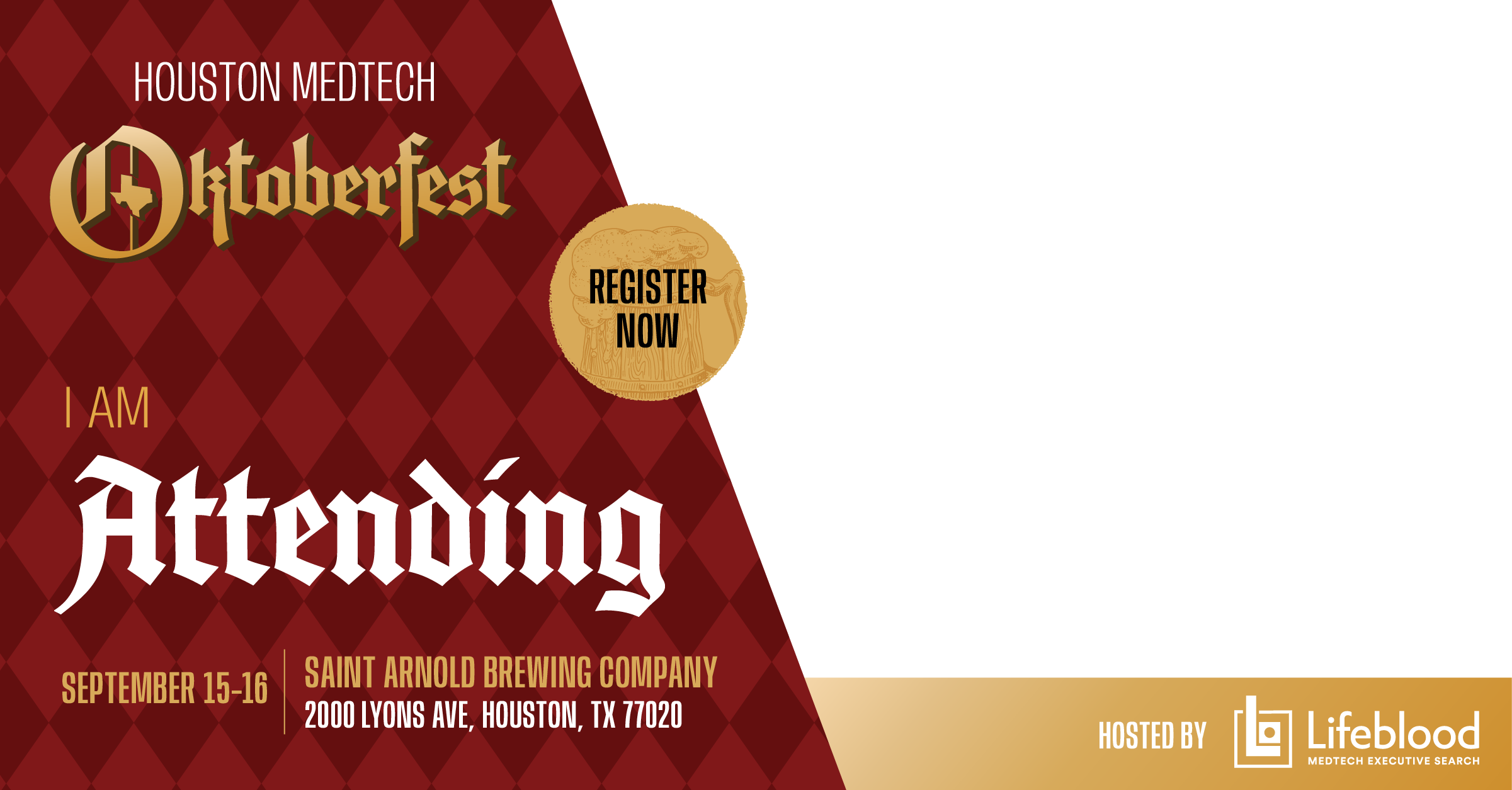

I am Attending
Click image to open, right click and choose “Save As..”
Click image to open, right click and choose “Save As..”
We are Attending
Click image to open, right click and choose “Save As..”
Click image to open, right click and choose “Save As..”
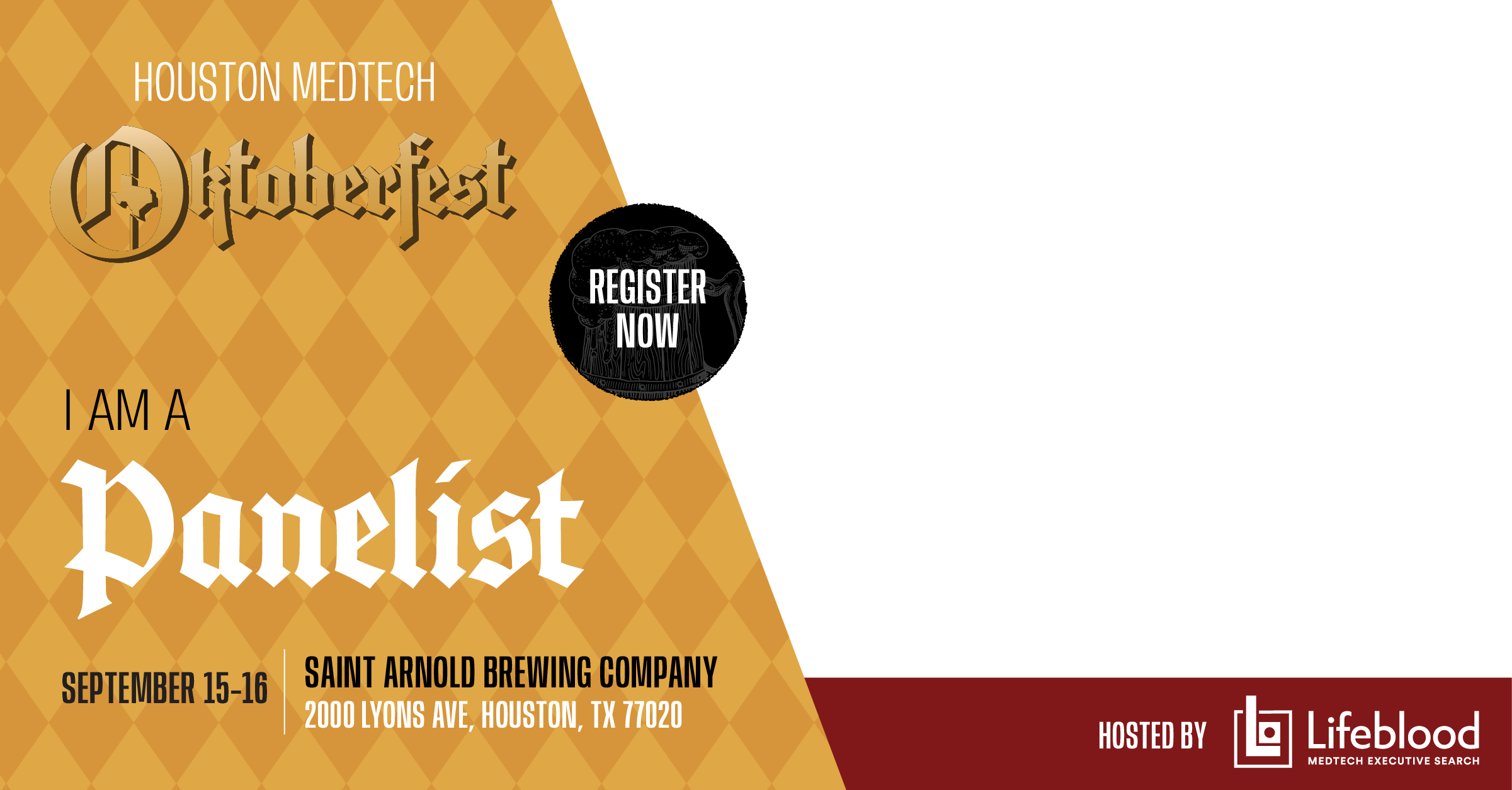
I am a Panelist
Click image to open, right click and choose “Save As..”
Click image to open, right click and choose “Save As..”
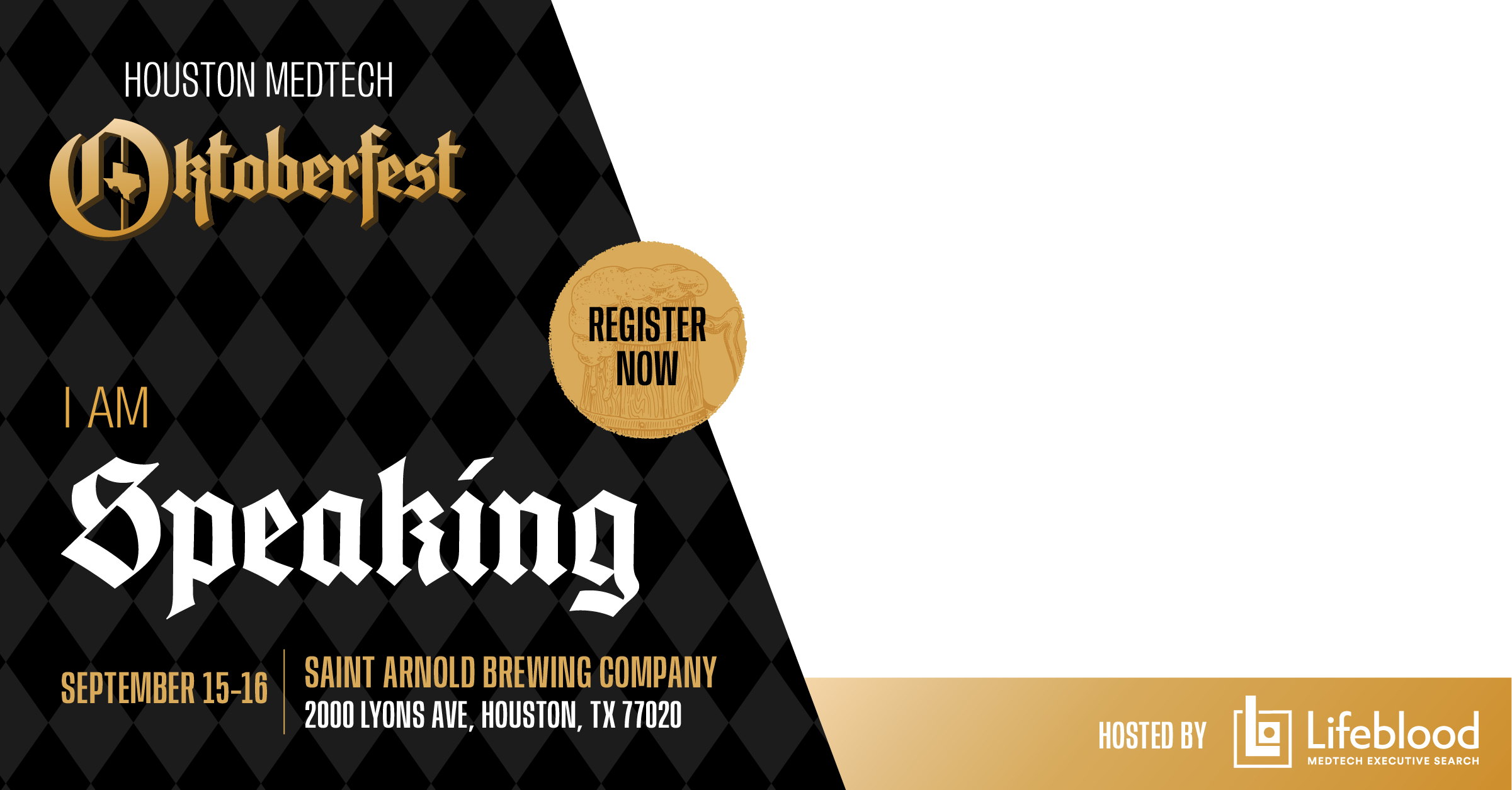
I am Speaking
Click image to open, right click and choose “Save As..”
Click image to open, right click and choose “Save As..”

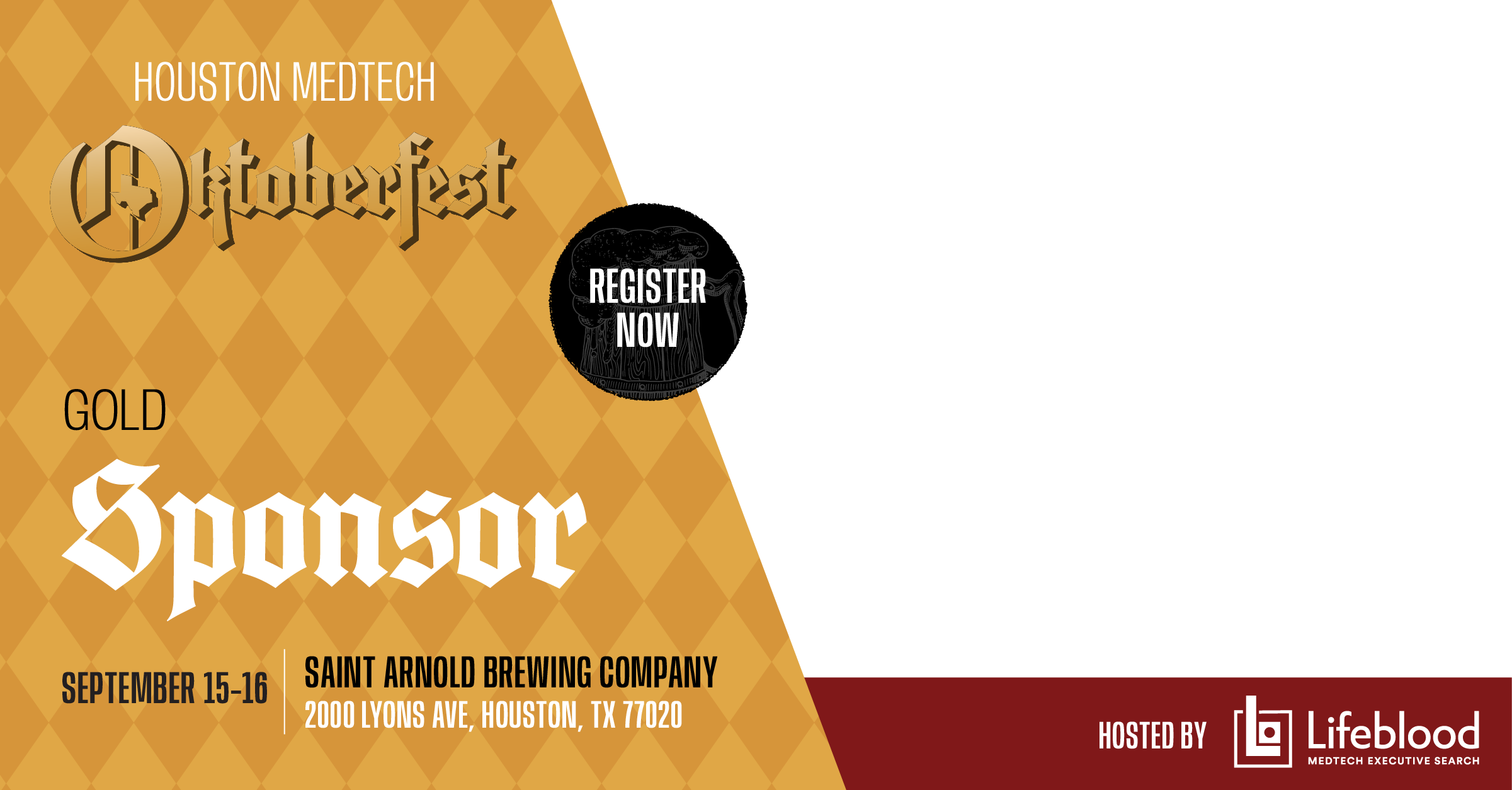
Platinum Sponsor
Click image to open, right click and choose “Save As..”
Click image to open, right click and choose “Save As..”
Gold Sponsor
Click image to open, right click and choose “Save As..”
Click image to open, right click and choose “Save As..”


Silver Sponsor
Click image to open, right click and choose “Save As..”
Click image to open, right click and choose “Save As..”
Bronze Sponsor
Click image to open, right click and choose “Save As..”
Click image to open, right click and choose “Save As..”